UniFi Protect vs Verkada for MSP Clients: Who Owns the Tickets?
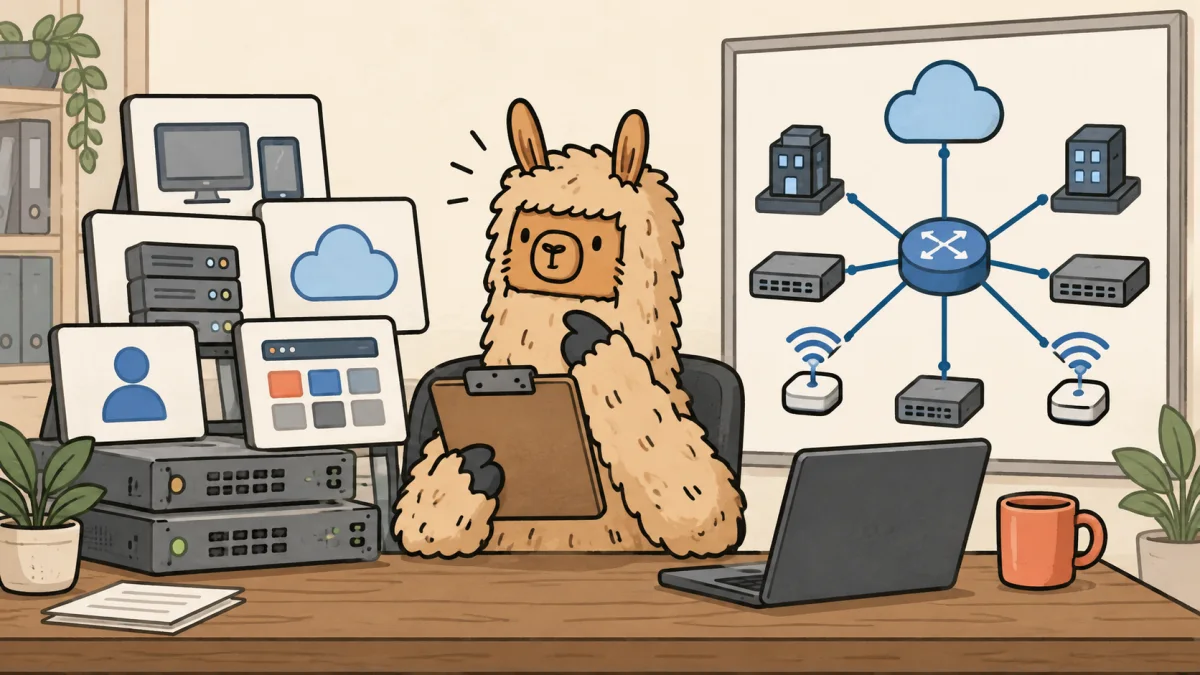
UniFi Protect vs Verkada is not a clean fight between cheap cameras and expensive cameras.
For MSP clients, it is a fight between two operating models. UniFi Protect can keep vendor software cost low, keep video local, and fit neatly into a Ubiquiti-heavy stack. Verkada can make multi-site access, support, updates, and user management easier to explain, but the subscription is real and the license clock never forgets.
The bad quote is the one that treats either system like a hardware sale.
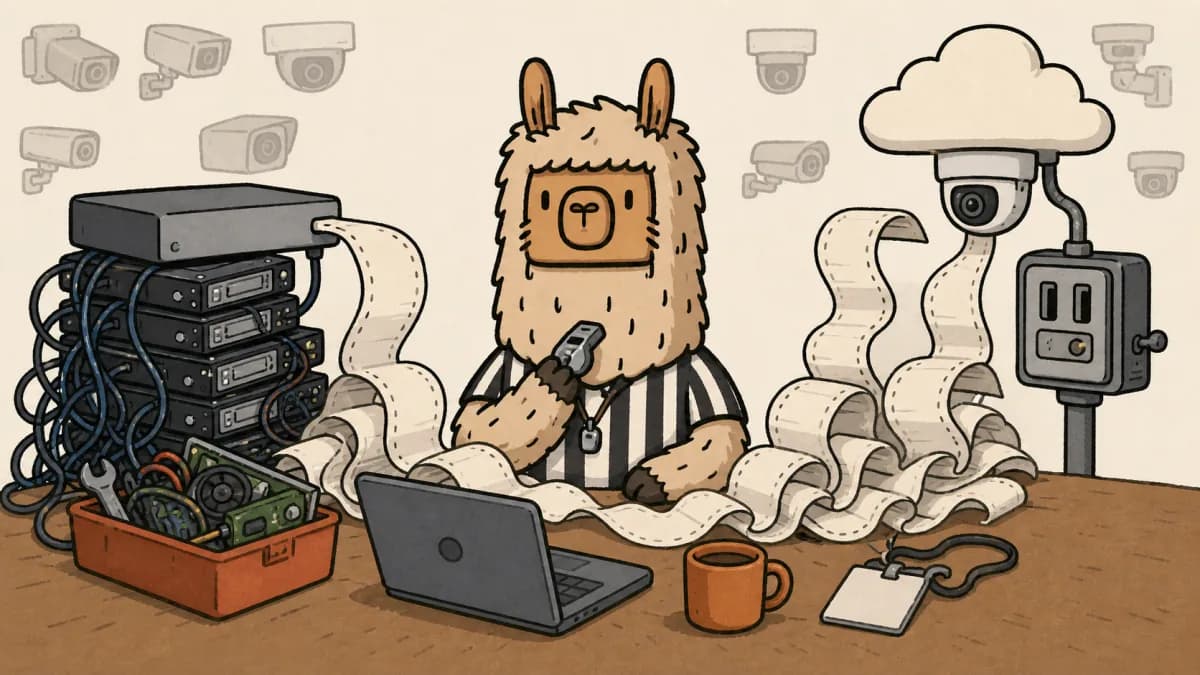
Cameras create tickets. Someone asks for footage after hours. Someone forgets who can view which site. Someone wants 30 days of retention after buying storage for 14. Someone expects every motion event to be searchable. Someone changes managers and forgets to remove access. If the MSP did not price that work, the camera system becomes a little unpaid side business with worse margins.
Quick answer: UniFi Protect vs Verkada for MSPs
UniFi Protect is usually better for cost-sensitive MSP clients who accept local storage, MSP-led support, and clearly priced administration. Verkada is usually better for multi-site clients who value cloud management, vendor support, automatic updates, audit logs, and simpler remote access enough to pay recurring licenses.
The right answer depends less on the camera and more on the support promise.
The comparison table MSPs actually need
| Decision area | UniFi Protect | Verkada | MSP risk |
|---|---|---|---|
| Licensing | Ubiquiti markets UniFi Protect around $0 camera licensing and local UNVR or Enterprise NVR recording. Ubiquiti | Verkada requires valid licenses for Verkada products, with one camera license per Verkada camera and one camera license per non-Verkada channel on Command Connector. Verkada licensing | Client anchors on subscription-free and expects support to be free too. |
| Storage | Video is local on UniFi hardware. Ubiquiti says the $299 UNVR has four drive bays and can support 30 days for 18 4K cameras or 60 Full HD cameras. Ubiquiti UNVR | Many Verkada cameras list 30 to 365 days of onboard retention depending on model, plus cloud management and optional cloud backup behavior. Verkada pricing | Retention promises get made before anyone sizes the real site. |
| Remote access | Remote access can be good, but the MSP still owns console access, roles, client handoff, and local network health. | Verkada Command is the management center, with cloud access, no port forwarding, SSO, MFA, RBAC, and audit logs. Verkada security | Remote viewing becomes an admin chore if ownership is vague. |
| Support model | MSP, distributor, Ubiquiti documentation, community knowledge, and optional UI Care where purchased. | Verkada pricing says purchases include 24/7 technical support, automatic updates, unlimited users, and AI-based analytics. Verkada pricing | Client expects enterprise support from whichever quote is cheaper. |
| Bandwidth | LAN and recorder design matter because video is local. Remote viewing still needs an access path and client expectations. | Verkada says cameras at rest upload 20 to 50 Kbps, while live and historical streams use more depending on quality, motion, and playback speed. Verkada bandwidth | Nobody budgets WAN, LAN, and user behavior until playback stutters. |
| Best fit | Single-site or UniFi-standard clients with a clear support boundary. | Multi-site, owner-visible, policy-heavy clients that will fund recurring licenses. | The wrong fit turns a camera project into recurring friction. |
This is the core point: UniFi Protect can reduce the vendor bill. Verkada can reduce some operational mess. Neither one removes the need to sell camera support as a service.
Why UniFi Protect looks attractive
UniFi Protect is easy to like when the client already has Ubiquiti gear.
The pitch is obvious. Keep video local. Avoid a mandatory camera license line. Use a familiar admin model. Add cameras, a recorder, maybe UniFi Access later, and keep the whole physical-security conversation close to the network stack.
Ubiquiti also gives MSPs a better cost story than most cloud camera vendors. The public UNVR page lists the recorder at $299 and says it has four 2.5 or 3.5 inch drive bays. It also gives a concrete sizing example: up to 30 days of storage for 18 4K cameras or 60 Full HD cameras. That is the kind of number clients understand.
Good. Use it.
Then ruin the fantasy before it ruins your margin.
A subscription-free camera system still needs discovery, cabling, PoE budget, user permissions, firmware policy, recorder health, retention math, replacement gear, evidence exports, after-hours access rules, and someone to answer when the owner says, "Can you pull the footage from last Tuesday?"
That someone is usually the MSP.
If the client is already thinking about UniFi Network, read the Meraki vs UniFi MSP decision guide before cameras enter the quote. The same operating question applies. Lower vendor cost is only good when the MSP prices the work that replaces the vendor line item.
Where UniFi Protect bites MSP margin
UniFi Protect gets dangerous when the client hears "no license" and stops listening.
The unpaid work usually hides in ordinary tasks:
- Camera placement, field of view, mounting, night image, and "why can't we see the plate?" conversations.
- Switch ports, PoE budget, VLANs, cabling, uplinks, and recorder placement.
- Retention design by camera, not just by recorder.
- Admin access, client-owned accounts, offboarding, and manager permission changes.
- Evidence exports for HR, insurance, police reports, and operations disputes.
- Firmware windows, change notes, rollback expectations, and client communication.
- Recorder drive health, spare parts, RMA handling, and local failure response.
- Mobile access setup for owners who will absolutely forget the password.
That list is not anti-UniFi. It is pro-margin.
A clean UniFi Protect quote should separate hardware from the supported outcome. Do not sell "24 cameras and an NVR." Sell camera design, network readiness, retention target, user access, monitoring boundary, export workflow, replacement plan, and monthly administration.
If the client wants UniFi because they hate recurring vendor licenses, fine. Replace the vendor license with a priced MSP service line, not with hope.
The UniFi Protect ONVIF camera guide is the same lesson from another angle. Compatibility does not equal support ownership. Subscription-free does not equal labor-free.
Why Verkada looks expensive and still wins deals
Verkada is the opposite kind of easy.
The client sees the license. The MSP does not have to invent the cost model. Verkada says you must have valid licenses for Verkada Command, and its license documentation says licenses co-term to a single organization expiration date. Command licenses are available in 1, 3, 5, and 10-year terms.
That is painful for clients who hate annual or multi-year software lines. It is also useful because the operating model is explicit.
Verkada's pricing page says every purchase includes AI-based analytics, unlimited users, automatic updates, and 24/7 technical support. It also lists camera hardware with additional licenses required. For example, the CM22 mini camera is listed at $699 MSRP, while larger dome, bullet, multisensor, and PTZ models run higher and may list 30 to 365 days of retention depending on the model.
That does not make Verkada cheap. It makes the conversation cleaner.
Verkada is easier to defend when the client has multiple sites, non-technical managers, board-level visibility, or a serious expectation that security footage should work without the MSP becoming the help desk for every viewer. Its security page calls out cloud management, no port forwarding, automatic firmware updates, SSO, MFA, RBAC, audit logs, and support access controls.
Those things matter when a client wants the system to behave like an owned business application, not like a pile of cameras attached to a closet recorder.
Where Verkada hurts MSPs
Verkada hurts in the budget meeting.
The recurring license is not a rounding error. It needs a renewal owner, a renewal date, and a client who understands what happens if they do not renew.
Verkada's license documentation says the organization can become invalid when claimed licenses are fewer than active products, and that customers lose access to Command if they have not renewed within 30 days after expiration. Its overcap policy also says organizations without proper licensing can lose access to critical functions after a grace process, including device management and notifications.
That means Verkada belongs in the client roadmap before the renewal date, not in an angry email after finance asks why the camera system has a software bill.
There is also vendor lock-in. Verkada's clean experience comes from buying into Verkada's platform. That may be the right trade. It may also be wrong for a cost-sensitive client with a simple site, an MSP-owned standard, and no appetite for another vendor term.
If the client wants Verkada convenience but refuses Verkada pricing, pause. Do not bridge that gap with unpaid MSP labor.
The hidden scope items in both quotes
A camera project is a support model wearing a hardware costume.
Before recommending UniFi Protect or Verkada, scope these items in writing:
| Scope item | What to ask | Why it matters |
|---|---|---|
| Retention | How many days by camera group, and is it continuous, motion-based, or mixed? | Storage math changes fast when resolution, frame rate, and motion behavior change. |
| Access | Who can view live video, historical video, exports, and admin settings? | Camera access is a security control, not a convenience toggle. |
| Exports | Who requests clips, who approves them, and what is the response time? | Footage requests often arrive when everyone is already annoyed. |
| Network | Are switches, PoE, cabling, VLANs, WAN, and remote access ready? | Camera systems fail in the boring layers first. |
| Hardware failure | Who owns spare gear, drive replacement, warranty handling, and truck rolls? | A dead recorder is not solved by a nice proposal PDF. |
| Updates | Who approves firmware updates, maintenance windows, and change notes? | Automatic updates and MSP-led updates both need a policy. |
| User lifecycle | How are managers added, changed, and removed? | Former employees with camera access are not a cute edge case. |
| Reporting | What does the client expect to see in QBRs or owner reviews? | If reporting matters, it belongs in the monthly service price. |
Put this into the MSP scope of work, not a private engineer note. If cameras are part of a larger network refresh, tie them to the client roadmap so storage, access, and renewal costs do not ambush the next QBR.
This is where Scopable fits. Scopable helps MSPs turn camera findings into a roadmap, budget, quote, approval trail, and project handoff. If one client site needs UniFi now, Verkada later, and a retention policy before either one, that should not live in a spreadsheet named camera-plan-v7-final.xlsx.
The practical rule is blunt: pick UniFi when the client accepts an MSP-owned model. Pick Verkada when the client values vendor-backed management and will fund it. Stop when the client wants UniFi pricing with Verkada expectations.
How to quote cameras without inheriting free work
A good camera quote has two parts: the project and the ongoing support model.
The project quote should include current-state assessment, retention design, platform recommendation, install and cutover, client walkthrough, export testing, and acceptance criteria. The recurring support line should include admin changes, firmware review, recorder or device health checks, retention monitoring, evidence exports, license or warranty tracking, roadmap reporting, and billable exceptions.
If the client does not want the recurring support line, fine. Say what is excluded. Silence is how the MSP becomes the warranty department for a camera system it barely sold at margin.
For quoting discipline, use the MSP project scoping process and the Meraki pricing guide as adjacent examples. The product changes. The margin trap is familiar.
Final verdict
UniFi Protect vs Verkada is really local-control cost discipline versus cloud-managed operating discipline.
UniFi Protect can be the better MSP choice when the client wants lower recurring vendor cost, already trusts a UniFi standard, and accepts a priced MSP support boundary. Verkada can be the better choice when the client has multiple sites, more stakeholders, stronger reporting expectations, and the budget to pay for licensing instead of pushing that burden onto the MSP.
Do not let either vendor frame the whole decision.
The MSP's job is to protect margin and client trust. That means quoting the boring work: retention, access, exports, firmware, spares, renewals, documentation, and QBR follow-through.
If you want that work to show up in a roadmap and quote instead of a forgotten spreadsheet, start Scopable for free. Camera projects are exactly the kind of "small" infrastructure decision that turns expensive when nobody owns the next five years.
Frequently Asked Questions
Is UniFi Protect or Verkada better for MSP clients?
UniFi Protect is usually better when the client wants lower recurring vendor cost, local storage, and accepts an MSP-led support model. Verkada is usually better when the client has multiple sites, more stakeholders, and will pay for cloud management, vendor support, renewals, and auditability.
Is UniFi Protect cheaper than Verkada?
UniFi Protect usually has the lower vendor software bill because Ubiquiti markets Protect around no camera licensing fees. That does not make the MSP's work free. Retention design, exports, user access, firmware policy, recorder health, and after-hours footage requests still need a priced support model.
When is Verkada worth it for MSP clients?
Verkada is easier to justify when the client has multiple locations, non-technical managers, stricter access expectations, renewal discipline, and a real need for cloud management, automatic updates, support, and audit logs. It is a weaker fit when the client only wants the cheapest camera hardware.
What should MSPs scope in a UniFi Protect camera project?
Scope camera placement, cabling, PoE budget, VLANs, recorder sizing, retention days, user access, clip exports, firmware windows, hardware replacement, mobile access, and what becomes billable after installation. Subscription-free cameras still create support tickets.
How should MSPs quote a camera system for clients?
Quote the project and the recurring support model separately. The project covers discovery, design, install, cutover, and acceptance testing. The support model covers user changes, retention checks, device health, evidence exports, license or warranty tracking, reporting, and billable exceptions.