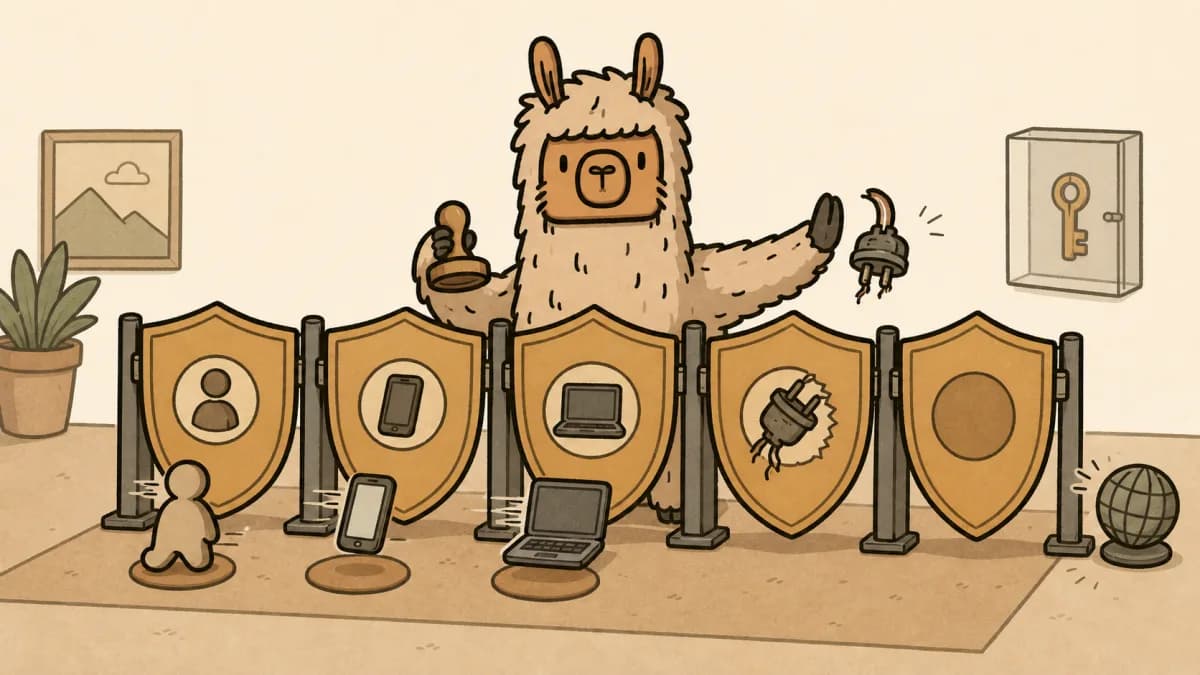
N-able N-sight vs N-central for MSPs: Light RMM, Heavy Alert Debt
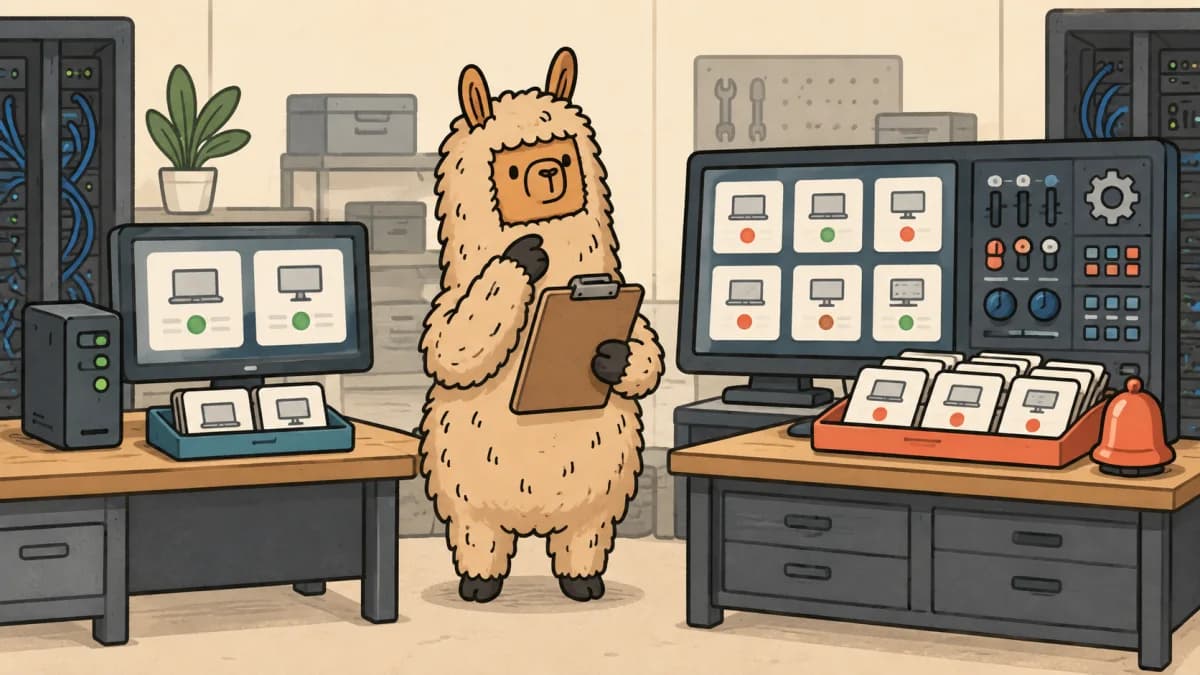
N-able N-sight vs N-central is not a choice between a small RMM and a serious one.
It is a choice about how much monitoring, policy, automation, reporting, and admin work your team can own without turning every alert into a ticket-shaped tax.
N-able's own comparison frames N-sight around speed and ease of use, while it frames N-central around a larger, more configurable operating model. That is a useful starting point. It is not a migration plan.
The migration bill arrives in the details: agent rollout, monitoring thresholds, patch exceptions, scripts, PSA routing, client reports, and the person who has to explain why a new alert queue appeared on Monday morning.
Quick answer
N-sight is usually the safer fit for an MSP that needs technicians productive quickly, runs a fairly standard endpoint service, and does not have a deep bench for tuning monitors and automation. N-central is usually the better fit for an MSP that already has disciplined policy ownership, more varied client environments, and a real need for deeper configuration.
Neither answer is permanent. A 12-person MSP with 900 similar endpoints can outgrow a light process before it outgrows N-sight. A 40-person MSP can buy N-central and still drown in noise if nobody owns its alert rules.
Use the platform that matches your operating discipline now, then price the work needed to make it useful.
If N-able is only one branch of a wider RMM review, read our NinjaOne vs Datto RMM comparison. If the bigger question is where endpoint data lands after an alert fires, the best MSP PSA software guide is the next useful read. And if your team is already carrying a platform migration, the ConnectWise Asio vs PSA migration guide shows why “same workflow, new screen” is rarely the whole story.
The difference is operating fit, not a feature-grid winner
Both products sit in the same basic job: monitor endpoints, help technicians act remotely, patch systems, automate recurring work, and give an MSP data for support and client conversations. Feature checklists blur the decision because both products can tick many of the same boxes.
The better question is what happens after the box is ticked.
| Decision area | N-sight tends to favor | N-central tends to favor | What to test |
|---|---|---|---|
| Daily technician work | A faster route to standard endpoint work | More control for teams prepared to configure it | Run five real tickets with service-desk technicians |
| Monitoring | A smaller set of useful, repeatable checks | More detailed policy and monitor design | Count alerts that need human triage, not just alerts created |
| Automation | Common maintenance that a small team can maintain | More tailored automation with stronger ownership demands | Ask who will review scripts and failed jobs each month |
| Client variation | More consistent client standards | More exceptions, sites, and service tiers | Test your oddest three clients, not the average one |
| Reporting | A practical route to standard client reporting | More room for customized operational reporting | Build one QBR report from live data and time the cleanup |
| Migration risk | Lower only if the current estate is simple | Higher if the design becomes a custom project | Price agent, policy, PSA, and reporting work before signing |
N-able publishes separate product material for N-sight and its N-central RMM offering. Treat vendor positioning as a hypothesis to test with your own endpoints. A polished demo does not show your retired agents, one-off server policies, or tickets routed through a custom PSA board.
N-sight fits teams that need a smaller control surface
N-sight is the credible choice when your MSP can standardize its endpoints, service approach, and support process without building a large control room around the RMM.
That does not mean “small MSP only.” It means the team benefits more from a limited set of well-run checks than from a deep catalog of settings nobody audits. A 20-person MSP with consistent Windows endpoints, a clear patch policy, and clean ticket routing may get more value from technician adoption than from another layer of configuration.
N-sight is worth a serious pilot when these statements are true:
- Your technicians need to find the device, see the issue, remote in, document the work, and close the ticket without learning a maze of custom policy names.
- Your client stack is mostly standardized, so server, workstation, and line-of-business exceptions are genuinely exceptions.
- One operations lead can own patch approvals, baseline alerts, and the few scripts your team runs.
- Your PSA and billing process already agree on what counts as a managed endpoint.
The catch is simple. N-sight does not erase operational complexity. It makes it easier to see. If your technicians disagree on patch exceptions or your client device counts do not match the invoice, a cleaner console will expose the mismatch faster.
N-central earns its extra administration only when you use it
N-central makes more sense when your MSP needs more granular monitoring, policy, and automation than a standard endpoint pattern can carry.
That can be a real need. A provider supporting several server-heavy clients, mixed operating systems, specialized applications, distinct service tiers, or a larger NOC-style function may need a platform with more room to model those differences. N-able describes N-central as the more configurable option in its own comparison. The product becomes valuable when your team turns that configurability into fewer missed incidents and less manual work.
Buyers should be suspicious of the phrase “we can configure anything.” Every custom monitor needs an owner. Every script needs a safe test group. Every automated response needs a rollback. Every client exception needs a reason it exists.
N-central deserves the pilot when these statements are true:
- Your team already has named owners for monitoring standards, scripts, patch approvals, and service reporting.
- Your client base has meaningful variation that cannot be handled by one generic policy set.
- You can separate a useful alert from a curiosity before it reaches a technician.
- You have time to test the PSA, remote access, and reporting paths with real client data.
If those conditions are missing, deeper configuration can become alert debt. The product did not create the debt. The MSP created it by adding rules without an operating model for maintaining them.
Alert tuning is the hidden license cost
An RMM migration can look affordable until the first month of alert cleanup.
The obvious costs are licenses, onboarding, and maybe professional services. The cost most MSPs miss is the technician time spent deciding which alerts matter. That time grows when every client has a different disk threshold, patch window, maintenance mode, ticket queue, and escalation rule.
Before you pick N-sight or N-central, pull 30 days of your current alerts and sort them into four buckets:
- A technician took useful action.
- An automation took useful action and left evidence.
- The alert was informational but did not need a ticket.
- Nobody acted, or the alert was a duplicate.
The fourth bucket is your starting migration scope. Do not carry it forward just because the old platform had the rule.
For each alert you plan to migrate, write down the device class, threshold, maintenance window, ticket destination, urgency, owner, and what success looks like. If you cannot name an owner, it is not ready to be automated in either platform.
Test the PSA handoff before you call the RMM “integrated”
RMM and PSA integrations are often sold as a finished bridge. In practice, the work is in the fields, queues, configuration items, agreements, and technician habits on either side.
Use a controlled pilot to test these questions:
- Does an alert open the right ticket for the right client and device?
- Does the ticket contain the evidence a technician needs, or does someone still log into the RMM to reconstruct the problem?
- Does a resolved alert close or update the ticket in a way the service desk trusts?
- Do asset counts and device statuses reach billing without pulling stale agents into an invoice?
- Can the account manager turn the data into a useful client recommendation instead of a PDF full of red circles?
The last question matters more than vendors admit. A monitoring tool tells you what exists and what failed. Your team still has to turn that into a roadmap, project scope, or contract change a client can understand. That work should start with real client context, not a blank proposal and someone’s memory of the last QBR.
Price the migration as a project, not a license swap
The N-sight to N-central decision may be internal to one vendor, but it is still a migration. A move from another RMM is even less of a copy-and-paste job.
Build a scope with these work packages before you accept a quote:
| Work package | Questions that expose the real effort |
|---|---|
| Endpoint inventory | Which agents are active, retired, duplicated, or assigned to the wrong client? |
| Policy design | Which patch rings, monitoring thresholds, and maintenance windows are standard versus client-specific? |
| Automation | Which scripts have a named owner, test group, rollback, and result log? |
| PSA routing | Which alert types create tickets, in which board or queue, with what priority and required fields? |
| Remote access | Which tools, permissions, consent settings, and technician roles need to be tested? |
| Reporting | Which client reports support QBR decisions, and which pages exist only because the prior tool exported them? |
| Client communication | Which clients need notice, new remote-support instructions, or a scheduled maintenance window? |
Then use a pilot group that is inconvenient on purpose: one standard client, one client with servers or special applications, and one client whose ticket process is historically messy. The average client hides migration failures. The awkward client finds them.
Do not promise a fixed migration price until you know how many policies, scripts, integrations, and client exceptions the team is really moving. If the quote is going to absorb that uncertainty, build the scope from client data before you price it. A cheap RMM migration can turn into free labor when the discovery work never made it into the project.
Ask N-able the questions that demos avoid
N-able's public pages are useful for comparing direction, but your quote and implementation plan need more exact answers. Ask these questions in writing:
- Which capabilities, security options, backup products, or remote-access features are included in our proposed package, and which are separate charges?
- How are endpoints counted, and what happens to inactive or retired agents?
- Which PSA integrations and ticketing behaviors are supported for our exact PSA edition?
- What migration tooling exists for agents, policies, scripts, and device data, and what must be rebuilt?
- Which standard reports will our team receive, and what custom reporting work falls on us?
- What training is included for technicians, operations owners, and the person responsible for monitoring quality?
- What contract term, renewal date, minimums, support tier, and offboarding requirements apply?
Those questions are not vendor hostility. They are the normal work of buying software that sits inside every client environment you support.
A 30-day pilot that produces an actual decision
Run the pilot as a service-operations test, not a feature tour.
Week 1: establish the baseline
Your operations lead should capture endpoint counts by client, ticket volume by alert type, patch exceptions, remote-session failures, stale agents, and time spent cleaning up reports. Finance should confirm whether RMM counts match invoices and agreements.
Week 2: run real service tickets
Two technicians should handle a patch failure, an offline endpoint, a noisy disk alert, a new device, and a remote-support request. Time the work, then ask where they hesitated. Hesitation is future labor cost wearing a headset.
Week 3: test automation and PSA flow
Use a non-production or low-risk group for scripts and automated responses. Trigger the complete alert-to-ticket-to-resolution path. Review the ticket text, client mapping, priority, and audit trail with the people who work the queue every day.
Week 4: make the commercial call
Your owner, service lead, and finance lead should review license terms, implementation labor, recurring admin time, client reporting, and the migration backlog. Pick one answer: standardize, extend the pilot, or stop. “We liked the demo” is not a fourth answer.
When neither product is the answer
N-sight and N-central are not the only credible paths. Keep NinjaOne, Datto RMM, ConnectWise RMM, Syncro, and Atera on the shortlist when their PSA fit, commercial model, or technician workflow better matches the business.
Do not turn that shortlist into six parallel demos. Start with the operating constraint that hurts today:
- If alerts are untrusted, test monitor ownership and ticket quality.
- If margins are leaking, test endpoint-to-invoice reconciliation and contract terms.
- If technicians are slow, test the five tickets they run every week.
- If client reporting goes nowhere, test the path from finding to roadmap and quote.
The RMM is a tool. The service model is the product your client actually buys.
Frequently asked questions
Is N-sight or N-central better for a small MSP?
N-sight is often the easier starting point for a small MSP that values faster technician adoption and standard endpoint work. N-central can still fit a small provider with complex client environments, but only when someone owns the monitoring and automation design.
Can an MSP migrate from N-sight to N-central without a project?
No. The products share a vendor, but your agents, policies, alert rules, scripts, PSA routing, reports, and client communication still need a tested plan. Treat the move as a scoped implementation project.
What should MSPs compare besides RMM license price?
Compare implementation labor, endpoint-count rules, package inclusions, contract commitments, PSA behavior, alert ownership, report cleanup, and the cost of client exceptions. A lower license line does not help if technicians spend ten hours a week fixing ticket noise.
How do RMM findings become client work?
An MSP needs to turn a monitoring finding into a named risk, a recommended change, a scoped project, and a client decision. The RMM supplies evidence. The service team owns the explanation, commercial scope, and follow-through.
N-sight and N-central can both support a serious MSP. Choose N-sight when standardization and technician speed are the scarce resources. Choose N-central when the team has a real need and a real owner for deeper control.
Do not let either tool become a place where unresolved process problems go to multiply.