
KB5087424 Printing Issues: The MSP Patch Ring Playbook
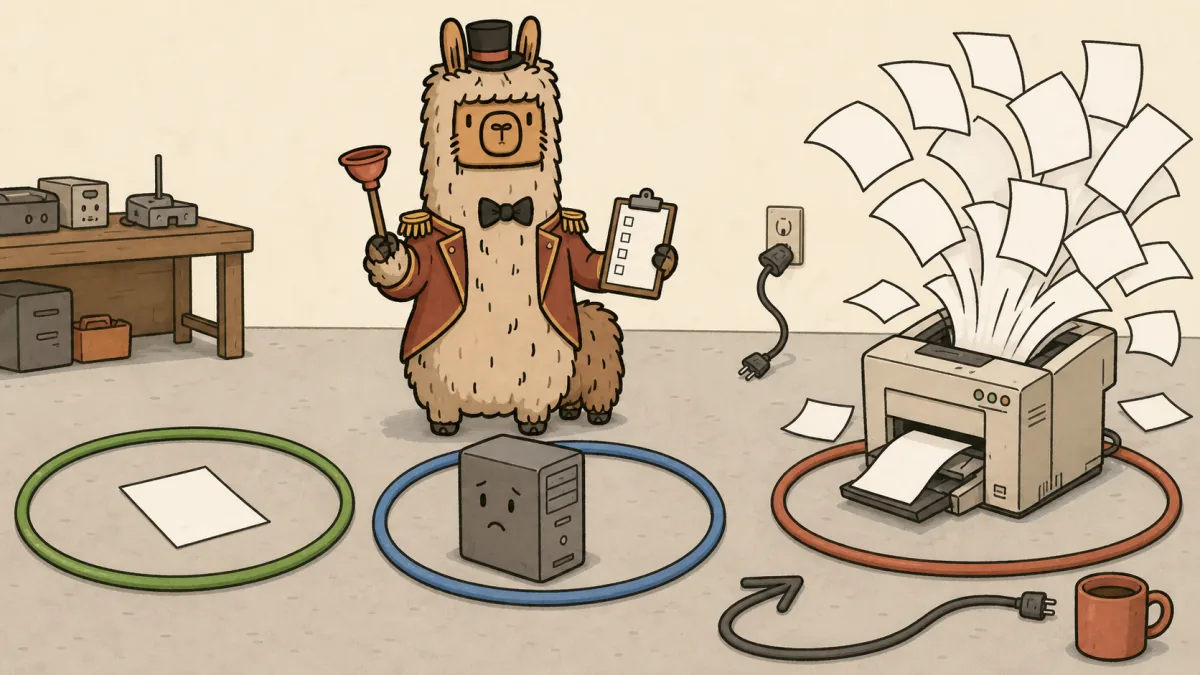
A Windows hotpatch broke old 32-bit printing workflows. The real problem is that too many MSP patch processes still depend on hope.
In May 2026, Microsoft published KB5087424, a hotpatch update for Windows Server 2022 Datacenter: Azure Edition, OS Build 20348.5074. Microsoft's release note says the update includes security improvements and lists a Remote Desktop fix. The documented known issue, as of this writing, is about WSUS not displaying synchronization error details after KB5070892 or later updates.
The printing pain showed up elsewhere first.
A Dynamics 365 Community thread describes Document Routing Agent failures after May 2026 security patches. Multiple admins report the same pattern: Windows Server 2022 in Azure, splwow64.exe errors, 32-bit printing failures, and service recovery only after uninstalling KB5087424 and rebooting. A matching r/msp thread points to 32-bit apps crashing when they touch printing, while 64-bit printing keeps working.
This is exactly the kind of incident that turns a normal patch window into a messy client conversation.
Not because every MSP should have predicted one hotpatch would break a legacy printing path. That is not realistic.
Because every MSP should know which clients still depend on that path before production finds it for them.
Quick answer: for KB5087424 printing issues, MSPs should treat the incident as a patch governance failure, not just a Microsoft bug. Build patch rings around business applications, assign app owners, validate 32-bit printing before broad rollout, define rollback approval, document client comms, and price remediation separately when legacy applications require emergency work.
What actually broke
The affected pattern reported by admins is narrow but painful:
- Windows Server 2022 Datacenter: Azure Edition using the May 2026 hotpatch KB5087424.
- Business applications, RDS hosts, or Dynamics Document Routing Agent workflows that depend on 32-bit printing.
splwow64.exefailing with0xc0000142when a 32-bit application touches printing.- 64-bit printing continuing to work in at least some reported environments.
- Rollback of KB5087424 restoring printing after reboot, according to the community reports.
That last bullet matters, but do not turn it into lazy advice.
"Uninstall the patch" is an emergency action. It is not a patch management strategy. Security updates exist for a reason, and rolling one back without documenting exposure, approval, timing, and re-test criteria is how a service desk fix becomes an account management problem.
The better MSP move is to decide in advance what has to be true before a rollback is allowed.
Patch rings need app owners, not just device groups
Most patch programs start with device rings:
- Pilot
- Early adopter
- Broad production
- VIP exception
That is fine as a start. It is not enough.
Device rings tell you which machines get patched first. They do not tell you who knows whether printing invoices from the ancient accounting app still works.
For client environments with RDS, Azure servers, Dynamics, ERP, line-of-business apps, label printers, check printing, warehouse shipping stations, or anything involving 32-bit print paths, build the ring around app ownership too.
A useful patch ring should answer:
| Question | Bad answer | Better answer |
|---|---|---|
| Who validates the app? | "The client will tell us if it breaks." | Named client app owner plus named MSP owner. |
| What gets tested? | "Login works." | Print from the real 32-bit workflow, not just a test page. |
| What is the pass condition? | "No tickets by morning." | App opens, prints, and completes the business process. |
| Who can approve rollback? | "Whoever is loudest." | Pre-approved technical and business approvers. |
| What is out of scope? | "We'll handle it." | Legacy app remediation, vendor escalation, and after-hours rebuilds are priced separately. |
This is where a shared responsibility matrix earns its keep. It forces the client to name the parts they own: business validation, app vendor access, emergency decision-making, and user communication.
Without that, the MSP owns the feeling of the outage even when the root cause is a Microsoft update and a brittle client app stack.
Build a KB5087424-style validation checklist
You do not need a giant lab for every SMB. You do need a small, repeatable check for risky clients.
For servers or RDS hosts with business-critical printing, add these checks to the pilot ring:
- Confirm Windows build and patch state before testing.
- Identify 32-bit applications that print, especially accounting, ERP, label, shipping, and Dynamics-related workflows.
- Test printing from the actual application, not only from Windows settings.
- Test with the real printer path: redirected printer, network printer, print server, DRA, label printer, or PDF workflow.
- Check Event Viewer for
splwow64.exefailures or application error0xc0000142. - Capture the business impact in plain English: invoices blocked, labels blocked, checks blocked, warehouse shipping blocked.
- Decide whether to hold the ring, roll back, or continue.
That list should live in the client's patch runbook, not in someone's memory.
If you already use SLA language, connect the validation window to it. A patch ring is not just a technical control. It is also a promise about response, approval, and communication.
Define rollback approval before the printer catches fire
Rollback decisions get political fast.
The security lead wants the patch installed. The operations manager wants invoices printing. The MSP wants the bleeding to stop without accepting unlimited liability. Everyone is right enough to be annoying.
Write the rollback rule before the incident.
A practical rollback rule includes:
- A severity threshold, such as revenue-impacting printing failure or production app outage.
- A named client approver for business risk.
- A named MSP approver for technical risk.
- A maximum rollback window.
- A requirement to document the affected update, affected systems, reason, and re-test plan.
- A client-facing note that rollback reduces exposure to the immediate outage, not the underlying security risk.
For KB5087424-style incidents, the rollback note should be boring and specific:
"Printing from 32-bit applications on Server 2022 RDS host failed after KB5087424. Rollback approved by client app owner to restore invoicing. MSP will hold this patch on affected hosts, monitor Microsoft guidance, and re-test in the pilot ring before broad deployment. Legacy app remediation and vendor work are outside the managed services agreement unless separately scoped."
Boring is good. Boring gets approved.
Client comms should say what you know, not what you hope
Do not send a client a dramatic Microsoft blame essay. Also do not hide the risk behind "we are investigating."
Use a simple structure:
- What changed.
- What broke.
- Who is affected.
- What you are doing now.
- What you need from the client.
- What is outside normal support.
Example:
"We found that printing from the legacy 32-bit invoicing application fails after the May 2026 Windows Server hotpatch KB5087424. This affects the RDS host used by the finance team. 64-bit printing appears unaffected in our test. We are holding the patch on this server, restoring printing, and documenting the rollback. We need the finance app owner to validate invoice printing after reboot. If the vendor needs to update the application or print component, that remediation will be quoted separately."
That is clear. It does not overpromise. It gives the client a job.
Price the messy part
Patch management is usually included in managed services. Legacy application rescue should not be.
The line is not always clean, so write it down.
Included:
- Normal patch scheduling.
- Standard maintenance window execution.
- Monitoring install status.
- Basic rollback when covered by the agreement.
- Client notification for known production impact.
Separately scoped:
- Vendor escalation.
- Legacy app repair.
- Print driver redesign.
- RDS farm rebuilds.
- After-hours emergency remediation outside the agreed window.
- Repackaging or replacing old 32-bit software.
- Business process testing the client never assigned an owner to.
If your quote buries all of that under "managed patching," the client hears unlimited rescue.
Use the same discipline you would use to scope an MSP project. Name the work, name the owner, name the boundary, then price the extra work when the boundary gets crossed.
When the remediation boundary crosses from patch support into paid work, the next step is not another ticket note. Put the finding into quote-ready scope and compare it against the MSP quoting software workflow.
The playbook for the next broken patch
KB5087424 will not be the last update that exposes an old dependency. The names change. The pattern does not.
For MSPs, the lesson is simple:
- Track clients with 32-bit print dependencies.
- Put those systems in a real pilot ring.
- Assign business app owners.
- Test the actual workflow.
- Pre-approve rollback rules.
- Separate patch management from legacy remediation.
- Keep client comms boring, specific, and documented.
If you want help turning assessments, roadmaps, project scope, and client decision points into a cleaner operating rhythm, start Scopable for free. The tool will not make Microsoft patches behave. It can help you stop quoting every messy dependency from memory.