Huntress SKU Sprawl for MSPs: The Renewal Packaging Checklist
Huntress used to be an easy line item for many MSPs: endpoint protection, managed detection, move on.
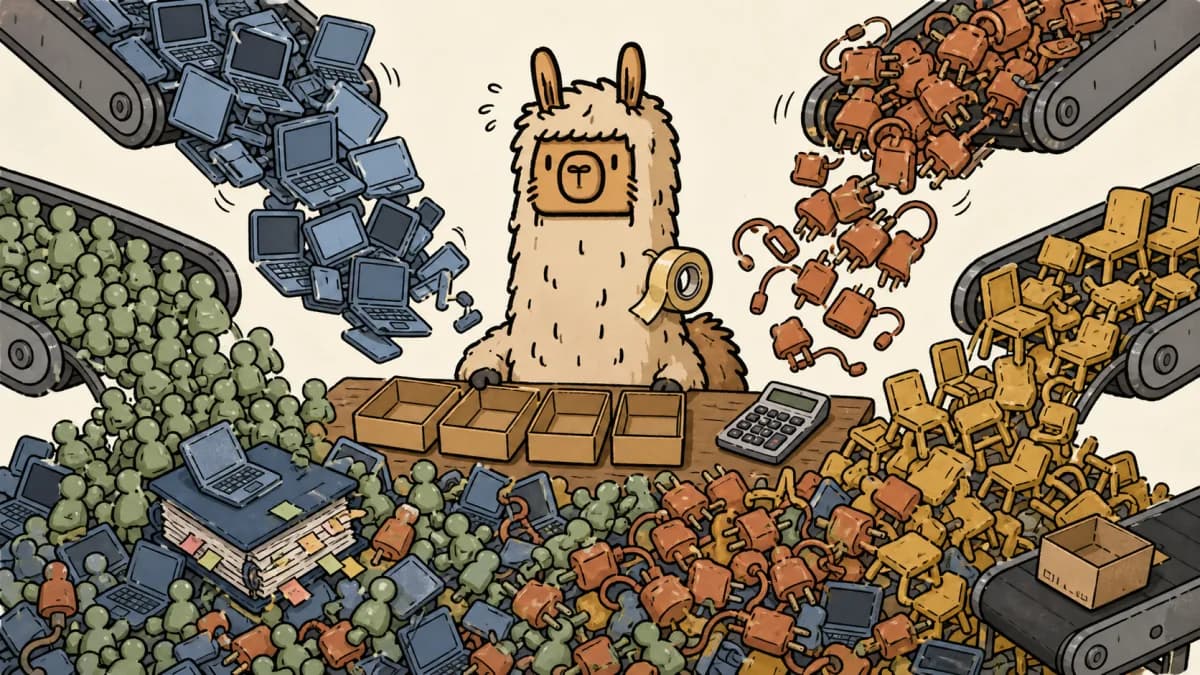
Now the conversation is wider. Managed EDR, Managed ITDR, Managed SIEM, and Managed SAT can all make sense. They can also turn into four different unit counts, four renewal stories, and one spreadsheet your account manager quietly hates.
This is not a Huntress review. It is a packaging checklist for MSPs that already like the product direction but need cleaner renewal math.
Quick answer: MSPs should package Huntress by deciding which products belong in the default managed services bundle, which products are paid add-ons, and which products need a compliance or risk justification. Then reconcile endpoints, identities, SIEM sources, and learners before renewal so client pricing does not drift away from cost.
Why Huntress SKU sprawl happens
SKU sprawl does not mean the vendor did something wrong. It usually means the MSP's service catalog did not keep up with the vendor's product catalog.
Huntress lists four public pricing units that matter for this discussion: endpoints for Managed EDR, identities for Managed ITDR, data sources for Managed SIEM, and learners for Managed SAT. Huntress also says its products are managed by a 24/7 human SOC, and its public pricing page says MSPs and resellers can request partner pricing through the partner program.
That sounds simple until it hits real clients.
A 70-seat client might have 82 endpoints, 76 paid Microsoft 365 users, 94 directory learners after seasonal staff are included, and 11 SIEM sources once firewalls, servers, Microsoft 365, and cloud logs enter the conversation. If your agreement says "security included" but your quote only priced endpoint coverage, the renewal math is already crooked.
The danger is not one SKU. The danger is treating every new SKU like a small add-on until the client cannot explain what they bought and your finance team cannot explain the margin.
Scopable is built for this exact mess: turn client environment data into scoped packages, pricing decisions, quote language, and follow-up work before renewal week turns into Slack archaeology.
The four Huntress buckets MSPs need to separate
Start by naming what each product is supposed to do in your service catalog. Do not start with the vendor SKU. Start with the client promise.
| Huntress product | Public pricing unit | MSP packaging question |
|---|---|---|
| Managed EDR | Endpoint | Is endpoint detection part of the base managed security bundle? |
| Managed ITDR | Identity | Is identity protection included for every managed Microsoft 365 or Google Workspace user? |
| Managed SIEM | Data source | Which log sources are mandatory, and which are compliance-driven? |
| Managed SAT | Learner | Is training included for every employee, only regulated clients, or sold separately? |
Huntress' public pricing page shows example 50 to 99 unit pricing of $8.99 per endpoint for Managed EDR, $4.80 per identity for Managed ITDR, $4.00 per source for Managed SIEM, and $2.08 per learner for Managed SAT. Do not use those numbers blindly in client quotes. Partner pricing, volume tiers, terms, and channel agreements can differ.
Use the public numbers as a reminder of the shape of the problem: these products are not billed on the same object. Endpoint count, identity count, data source count, and learner count can all be different inside the same client.
Renewal checklist: turn four SKUs into one clean client story
1. Define the base security bundle
Pick the products that belong in your default managed service and stop debating them client by client.
For many MSPs, Managed EDR is the obvious base bundle candidate because endpoint protection maps cleanly to managed devices. Managed ITDR may also belong in the base bundle if your client promise includes Microsoft 365 or Google Workspace protection. If the account team has to ask whether identity threat detection matters for every client, your security package is probably too vague.
The question is not, "Can we sell this?" The question is, "Would we be embarrassed if this client had an incident and this was not included?"
Once the answer is yes, price it into the package. Hiding core security cost outside the agreement is how margin leakage starts.
2. Define the paid add-ons
Some products are legitimate add-ons because the client environment changes the work.
Managed SIEM is the cleanest example. Huntress describes Managed SIEM pricing as per data source rather than per GB or log volume. That is helpful, but it still means someone has to decide which sources count. A firewall, Microsoft 365, a server group, cloud logs, and SaaS audit logs are not the same scoping conversation.
Do not sell SIEM as "we will collect the important logs" unless your quote says what important means.
A better add-on structure looks like this:
| Add-on tier | Included scope | Client expectation |
|---|---|---|
| Core SIEM | Microsoft 365 plus firewall logs | Basic account and perimeter visibility |
| Server SIEM | Core plus server logs | Better investigation context for key infrastructure |
| Compliance SIEM | Defined source list plus retention requirement | Evidence support for an audit or framework |
That is not fancy. Good. Fancy is usually where invoices go to die.
3. Separate compliance justification from security preference
Managed SAT is a good product category to sell badly.
Training makes sense for almost every client. But the justification changes. For some clients, it is risk reduction. For others, it is cyber insurance. For healthcare, finance, defense contractors, and regulated clients, it may support policy, audit, or contract expectations.
If the justification is compliance, say that in the quote. If it is not, do not pretend every small client needs a compliance package because someone on the sales team heard the word "framework" and got excited.
The same goes for SIEM retention. Huntress' SIEM pricing page talks about pricing per data source and extended retention, including support for longer retention periods. That should trigger a scoping question, not an automatic upsell.
Ask: what evidence does this client actually need, for whom, and by what date?
If nobody can answer, park it as a roadmap item instead of stuffing it into the renewal.
4. Reconcile counts before renewal, not after invoice shock
Every Huntress renewal should start with a count reconciliation.
Pull the current values for:
- managed endpoints
- billable identities
- service accounts and shared mailboxes
- active learners
- SIEM data sources
- agreement quantities
- previous quote quantities
- actual vendor invoice quantities
Then mark the gaps.
If the client has 64 managed endpoints but 78 identities, that may be fine. If they have 44 active employees but 71 learners, that needs an explanation. If the SIEM source count doubled because someone added logs during an investigation, that needs to be reflected in the client package before the renewal lands.
This is the same margin problem MSPs hit with Microsoft 365, backups, RMM seats, and every other per-unit product. The SKU is different. The mess is not.
For the broader margin workflow, read MSP pricing and quoting margin protection and MSP revenue leakage. Huntress is just a very current example.
If the renewal question is whether a Kaseya bundle replaces part of the Huntress stack, compare Kaseya MDR vs Huntress for MSPs before changing the client package.
5. Rewrite the client-facing package names
Clients should not need to understand every vendor SKU to understand their security package.
Use vendor names in the bill of materials. Use client-outcome names in the package.
| Bad package name | Better client-facing package |
|---|---|
| Huntress EDR + ITDR | Managed Endpoint and Identity Protection |
| Huntress SIEM Add-on | Managed Log Monitoring for Critical Systems |
| Huntress SAT | Employee Security Training and Phishing Simulation |
| Huntress Bundle | Managed Security Foundation |
This is not about hiding the vendor. It is about making the agreement readable. If the client cannot explain what changed, they will assume the renewal is just another vendor tax.
6. Decide who owns exceptions
SKU sprawl gets expensive when nobody owns exceptions.
Create a simple rule: every exception needs an owner, an expiration date, and a renewal decision.
Examples:
- Client declined ITDR for budget reasons. Owner: account manager. Revisit at QBR.
- SIEM includes only firewall and Microsoft 365 logs. Owner: security lead. Revisit after server refresh.
- SAT excluded temporary seasonal workers. Owner: client success. Revisit before hiring cycle.
- Compliance retention not included. Owner: vCIO. Revisit when cyber insurance questionnaire arrives.
Without this, exceptions become permanent. Permanent exceptions become weird pricing. Weird pricing becomes margin leakage with a nicer font.
The client explanation that avoids renewal drama
When the client asks why the package changed, do not send a SKU lecture.
Send the operational version:
"Your environment now has more than endpoint risk. We are aligning endpoint protection, identity monitoring, log visibility, and employee training with how your business actually operates. Some pieces are part of your managed security baseline. Others are scoped separately because they depend on source count, retention, or compliance need."
That paragraph is useful because it separates baseline security from optional scope. It also gives your account manager a defensible reason to quote the work instead of apologizing for a price increase.
If your MSP uses client roadmaps, turn this into a roadmap item before renewal. Show the client what is included now, what is recommended next, and what is deferred. MSP client roadmaps are better than surprise invoices because they give clients time to understand the trade-off.
The Scopable angle: scope before quote
Huntress can be a strong security platform for MSPs. That does not automatically make your packaging strong.
The MSP job is to translate vendor capability into a client-ready scope: what is included, what is optional, what count drives the price, what risk it addresses, and what changes at renewal.
That is where a scope-first quoting workflow matters. Scopable helps MSPs connect assessment findings, client counts, roadmap decisions, package language, and quote math so a security stack does not turn into a pile of disconnected renewal line items.
If you want to test that workflow before your next security renewal gets weird, start your Scopable free trial.
The renewal rule
The rule is simple: never let a vendor SKU change faster than your service catalog.
When Huntress adds or expands useful products, the MSP has to answer three questions:
- Is this part of our baseline promise?
- Is this an add-on with a clear unit count?
- Is this justified by compliance, risk, or client roadmap priority?
If the answer is unclear, do not bury it in a quote. Fix the package first.
That is how you keep Huntress from becoming spreadsheet archaeology. More importantly, it is how you keep clients from feeling like security renewals are just four new ways to say "pay more."