
Why MSP QBRs Fail Before the Meeting Starts
Most MSP QBR problems are not meeting problems.
They are data assembly problems.
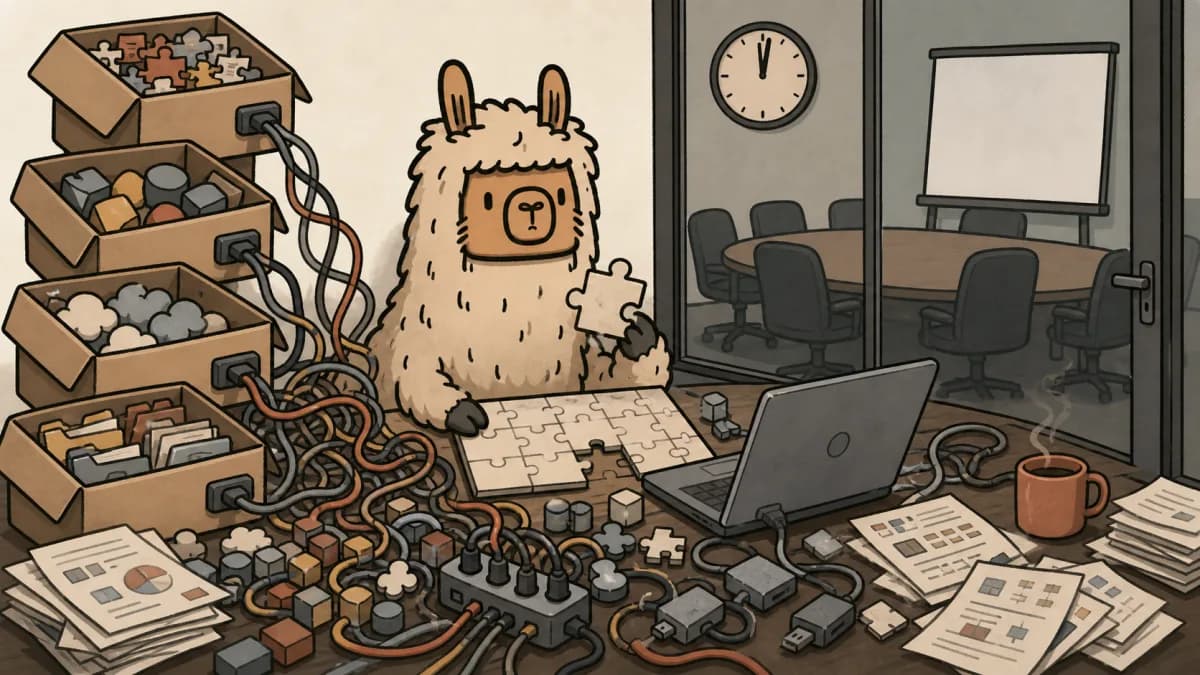
By the time a vCIO opens PowerPoint, someone has already spent the useful energy digging through tickets, SLA trends, stale roadmap notes, asset counts, M365 changes, security gaps, and spreadsheet archaeology.
Then the meeting starts late in spirit, even if it starts on time.
That is why MSP QBRs fail before the meeting starts. Not because the deck is ugly. Not because the presenter lacks polish. Because the prep tax quietly gets too expensive, so the whole practice gets watered down.
If you need the tactical meeting format, start with the MSP QBR template that runs in 20 minutes. This piece is about the problem before the template: the operational mess that makes QBRs hard to run consistently in the first place.
The QBR That Almost Did Not Happen
You know the shape of it.
The invite has been on the calendar for weeks. The client expects a clean quarterly business review. Internally, everyone knows the data is scattered.
Ticket history lives in the PSA. Asset age lives in the RMM. M365 license noise lives in a different admin view. Open project work lives in the PSA, but budget context lives in a spreadsheet. Security findings are partly in tools, partly in someone's notes, and partly in the engineer's head.
So the vCIO starts pulling threads.
Not analyzing. Pulling.
Copy the ticket summary. Export device counts. Check stale licenses. Ask an engineer whether that firewall recommendation is still current. Rebuild a roadmap slide from last quarter because the old one is not quite right anymore.
By the time the deck is ready, the strategic work has been squeezed into whatever attention is left.
The Real Failure Point Is the Baseline
A good QBR needs a baseline before it needs a deck.
That baseline should answer simple questions:
- What changed in the client's environment this quarter?
- Which risks increased?
- Which projects slipped?
- Which budget decisions need to happen next?
- Which recommendations are still valid, and which are stale?
Most MSPs do not have that baseline in one place. They rebuild it manually every quarter.
That is where the work breaks.
A slide deck can only present the state of the client if the state of the client is already known. If the team has to reconstruct reality from four or six systems before every QBR, the meeting depends on heroics.
Heroics do not scale. They also make strategy feel optional, because every strategic conversation has a hidden prep invoice attached to it.
What QBR Prep Looks Like at Most MSPs
The usual prep workflow is not complicated. It is just expensive.
Someone pulls ticket volume and SLA patterns from ConnectWise, HaloPSA, Autotask, or whichever PSA holds the support story. Then they check asset health in NinjaOne, Datto RMM, Atera, or another RMM. Then they look at Microsoft 365 for license changes, mailbox weirdness, conditional access gaps, or user count drift.
Then come the softer parts.
What did the client approve last quarter? What did they ignore? Which project quote is still sitting unsigned? Which lifecycle item keeps getting delayed because nobody wants to talk about budget?
None of that is slide design. It is account intelligence.
And if account intelligence has to be rebuilt manually before every meeting, the QBR becomes fragile. One busy week, one engineer out sick, one rushed vCIO, and the review turns into a thin status update.
That is how quarterly business reviews quietly become quick check-ins.
Why This Breaks at Scale
One manual QBR is annoying.
Fifteen manual QBRs is an operating model.
If every strategic client requires a few hours of prep, MSPs start making rational compromises. Larger clients get the full treatment. Smaller clients get a lighter version. Some accounts get skipped. Some get a generic deck with a few numbers swapped in.
Nobody announces that the strategy practice has been downgraded. It just happens.
The real damage is not the missed meeting. It is the missed decision.
A good QBR is where clients approve lifecycle work, security remediation, license cleanup, roadmap changes, and budget shifts. When the meeting turns into a check-in, those decisions slide. Then risks age, projects stall, and the MSP looks reactive even when the team saw the problem coming.
If you are tracking client health, missed QBRs belong next to stale roadmap items and slow replies in your MSP FAQ and retention signals. They are not calendar trivia. They are evidence that the relationship is losing strategic gravity.
A Better MSP QBR Workflow Starts Before PowerPoint
The fix is not a prettier quarterly business review deck.
The fix is a repeatable operational baseline.
Before anyone opens slides, the account view should already show the current support pattern, asset story, M365 movement, open risks, roadmap status, and pending budget decisions. The QBR should start from that shared view instead of from a last-minute research project.
That changes the prep job from assembly to judgment.
The vCIO is no longer asking, "Where is the data?" They are asking, "What does this mean for the client?"
That is the difference between reporting and strategy.
A better workflow looks like this:
- PSA, RMM, and M365 data feed a consistent client baseline.
- The vCIO reviews changes, risks, and open roadmap items before the meeting.
- The deck, if there is one, reflects the baseline instead of replacing it.
- The meeting focuses on decisions, not data cleanup.
- Approved work flows back into roadmap, quote, or project follow-up.
That last step matters. A QBR that ends with "we should probably do something about this" is just theater. A QBR that ends with a scoped project, budget approval, or hard next step is useful.
The Meeting Changes When Prep Stops Eating the Work
When the baseline is already there, the conversation gets sharper.
Instead of walking through every ticket category, you can say, "Support volume is flat, but endpoint risk moved because 18 devices crossed lifecycle threshold." Instead of showing a license count slide, you can say, "You are paying for seats nobody has used in months, and we should clean that up before renewal." Instead of hiding behind a roadmap graphic, you can ask for a budget decision.
Clients notice this.
They do not want a performance report with a quarterly costume. They want to know what changed, what matters, and what they need to decide.
That is where Scopable fits. Scopable is built around the belief that MSP strategy work should start from live client data, not quarterly archaeology. PSA, RMM, and M365 context should feed the account view before the QBR exists, so the meeting can focus on judgment, tradeoffs, and next steps.
See the product workflow on vCIO software for MSPs.
Less digging. Better conversations.
If your QBR practice is still held together by exports, screenshots, and one very tired vCIO, the issue is probably not your deck.
It is the system before the deck.
start Scopable for free if you want to build QBRs from real client data instead of rebuilding the same baseline every quarter.
Frequently Asked Questions
How long should MSP QBR prep take?
Once the client baseline is connected, MSP QBR prep should take minutes, not hours. If every review still requires manual exports from PSA, RMM, M365, and spreadsheets, the bottleneck is data assembly.
What data should an MSP pull before a QBR?
Pull ticket trends, SLA misses, asset lifecycle, Microsoft 365 license changes, open security gaps, project status, roadmap items, and pending budget decisions. The goal is not more slides. It is a clean baseline for decisions.
Why do MSP QBRs turn into quick check-ins?
QBRs usually become check-ins when prep gets too expensive to run consistently. Teams skip the data work, reuse generic decks, and avoid the harder budget or risk conversations the meeting was supposed to create.