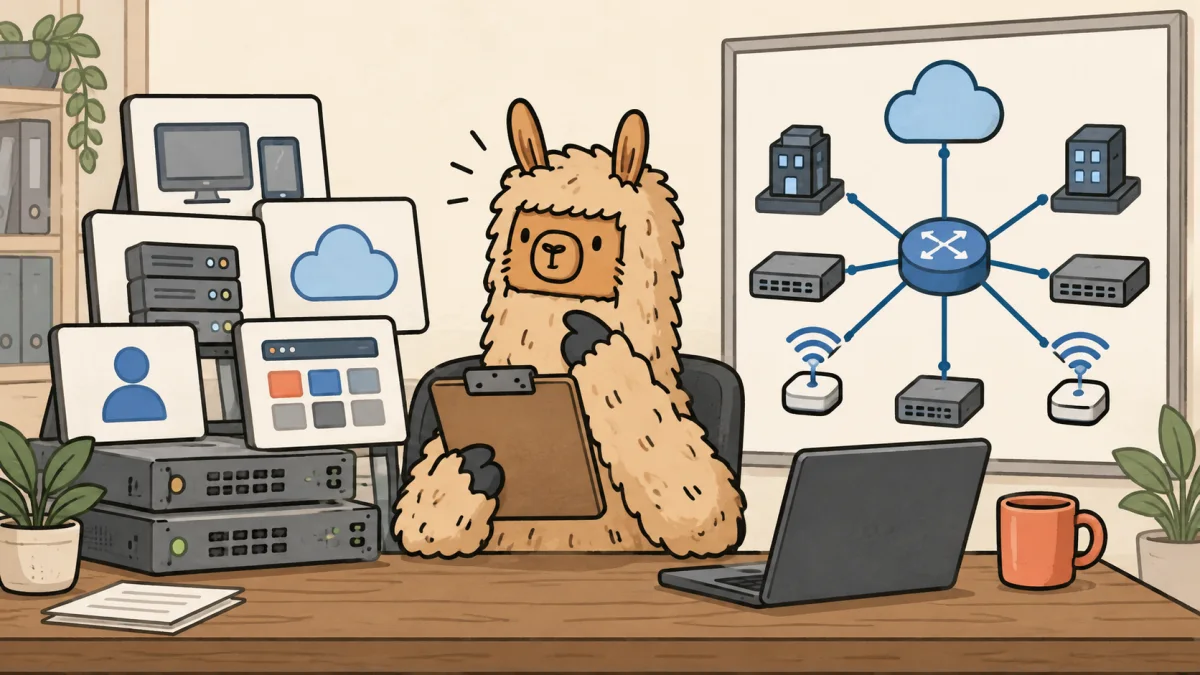
UniFi project scope template for MSPs
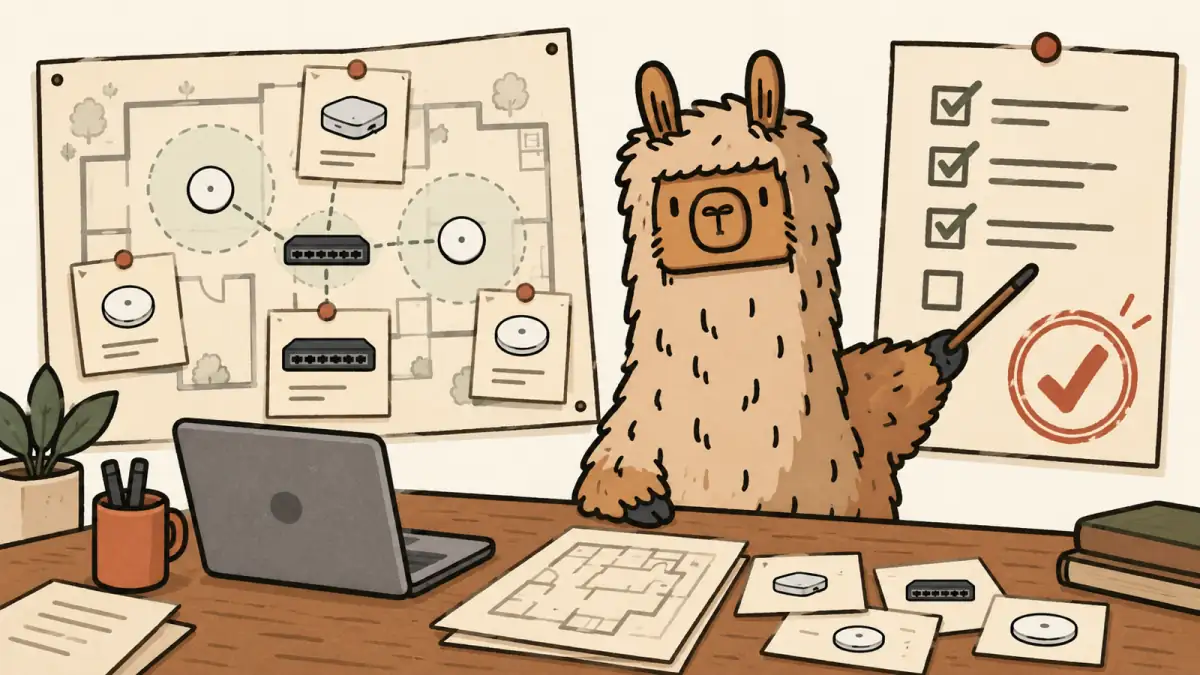
A UniFi quote should leave the site survey with a client-approved scope, not a shopping cart.
The gear is usually the easy part. The margin disappears in the parts nobody priced: a bad cable run, a switch closet with no usable power, a controller no one owns, a cutover window that grows legs, or the client who assumes every future Wi-Fi complaint is included forever.
This template is for a vCIO, account manager, or senior operator at a Connectwise MSP who needs to turn a network refresh into a project the client can approve and the delivery team can actually run. Copy it into your PSA, proposal tool, or working doc. It works without Scopable.
The scope template
1. Client decision
Start with the decision, not the equipment list.
Client decision: Approve a UniFi network refresh for [site or sites] to address [business trigger or technical finding].
What changes: [wireless coverage, switching, gateway, remote access, camera network, segmentation, multi-site management].
What stays out: [voice system, cabling remediation beyond stated allowances, ISP changes, construction work, unsupported third-party gear, after-hours support outside the agreed window].
Client owner: [name and role].
MSP owner: [name and role].
If the client cannot agree on this paragraph, the hardware list is premature. You do not have a quote-ready project yet.
2. Site-survey inputs
The survey is where an estimate becomes a scope. Record the inputs that change labor, risk, or the support promise.
| Area | Record before quoting | Why it belongs in scope |
|---|---|---|
| Sites | Address, floor plan, access hours, site contact, and change window | A multi-site refresh is a coordination problem before it is a network problem. |
| Existing network | Gateway, switches, APs, ISP handoff, VLANs, DHCP, DNS, VPNs, and known dead zones | Delivery needs to know what it is replacing and what cannot break. |
| Physical conditions | Rack space, PoE budget, cable category, cable lengths, mounting, power, and UPS | These details turn into change orders when they are guessed. |
| Wireless needs | User count, guest access, high-density areas, roaming needs, device types, and coverage gaps | Access point count should follow the environment, not a rule of thumb. |
| Security and access | Admin ownership, MFA, client access, remote-management path, firewall policy, and vendor accounts | A new console without named owners becomes a support problem on day two. |
| Acceptance | Who tests, what passes, who signs off, and what happens if a finding needs follow-up | The handoff should have a finish line. |
Ubiquiti's own UniFi Partner Hub separates channel, integrator, and support paths. That is useful procurement context. It does not replace discovery, a site survey, or a client-approved support boundary.
3. Hardware work package
List the equipment as a work package with the reason it exists. Do not let a bill of materials pretend it is a design.
| Work package | Include | Client-facing note |
|---|---|---|
| Gateway and internet edge | Gateway model, WAN handoff assumptions, failover requirement, firewall migration, and rack accessories | State whether ISP coordination, public-IP changes, and VPN migration are included. |
| Switching | Switch model, PoE budget, uplinks, optics, patch leads, and rack layout | State whether existing cabling and patch panels passed the survey. |
| Wireless | AP locations, mounts, coverage assumptions, guest network, SSIDs, and any survey validation | State the areas covered and the conditions that can change the design. |
| Optional physical security | Cameras, NVR capacity, retention assumption, access, and network separation | Keep camera retention, mounting, and cabling as explicit lines. |
| Spares and replacement | Named spare devices, storage location, ownership, and replacement process | Cheap hardware does not make outage handling free. |
Use placeholders until the survey is complete. A quote can say "[quantity] access points after survey approval." It cannot safely promise a final quantity from a floor plan nobody has seen.
4. Labor work package
Labor needs its own boundaries. The hardware is a pass-through. The work is where the MSP makes or loses money.
| Labor line | Included work | Exclusion or trigger |
|---|---|---|
| Discovery and design | Survey, design review, VLAN plan, wireless plan, bill of materials, and client decision review | Additional site visits, construction coordination, or redesign after approval are change work. |
| Staging | Firmware review, baseline configuration, naming standard, templates, and rack labels | Net-new policy design beyond the approved baseline is separate work. |
| Deployment | Rack and mount, cable patching within stated allowance, device adoption, configuration, and cutover | New cable pulls, electrical work, lift equipment, or after-hours work are separate lines. |
| Migration | SSIDs, VLANs, DHCP, firewall rules, VPNs, static mappings, and documented rollback plan | Unlisted applications, legacy devices, or undocumented dependencies move to a change order. |
| Validation and handoff | Coverage checks, client acceptance test, documentation, admin-access handoff, and training | Open findings become roadmap items with an owner and target date. |
The UniFi Site Manager and Fabrics guide for MSPs is useful when the project also changes multi-site administration, permissions, or an MSP's operating model. Keep that decision separate from the physical refresh. A better console does not settle who owns the work.
5. Recurring support boundary
This is where a simple hardware refresh quietly turns into an unlimited managed-service promise.
Write down the support model before the client sees a total.
- Controller and admin ownership: Who owns the UniFi organization, recovery credentials, MFA, and administrator list?
- Monitoring: Which alerts are watched, during which hours, and what creates a ticket?
- Firmware: Who approves updates, what maintenance window applies, and what is the rollback path?
- Vendor and distributor escalation: Who opens the case, who handles replacement, and what coverage is actually included?
- Moves, adds, and changes: Which small changes are included and which require a scoped request?
- After-hours work: State the rate, response expectation, and authorization path.
For a larger program, Ubiquiti documents UI Care separately from the hardware itself. Treat any replacement or support coverage as a named client promise with its own terms. Do not turn a vendor benefit into a broader MSP commitment by accident.
6. Assumptions and exclusions
The client should be able to read this section without a decoder ring. It is not legal filler. It is the list that keeps delivery from absorbing surprises for free.
Copy and adjust these lines:
- Existing cabling, rack space, power, and UPS capacity are usable unless the survey identifies a stated exception.
- The client provides timely access to sites, ISP information, current network documentation, and a decision maker for cutover approval.
- The project includes only the applications, SSIDs, VLANs, devices, and sites listed in the approved scope.
- Work that requires new cable pulls, electrical changes, construction access, third-party vendor coordination, undocumented legacy-device support, or an expanded change window is excluded until approved in writing.
- The client accepts that wireless performance depends on building materials, interference, endpoint behavior, and the survey assumptions documented here.
- The agreed support plan governs future maintenance and incident response after acceptance.
If you need a general structure beneath the UniFi-specific details, use the MSP scope of work template. The network version should make the physical environment and operating model harder to hand-wave.
7. Acceptance checklist
A project is not done because the APs have blue lights.
Use a short acceptance record:
- Approved hardware is installed or each substitution is recorded.
- Gateway, switching, wireless, and listed VLANs pass the agreed validation.
- Internet, VPN, guest access, and critical line-of-business dependencies were tested where included.
- Admin roles, MFA, recovery access, and client ownership are confirmed.
- Network diagram, device inventory, credentials handoff process, and support contact path are documented.
- Open findings have an owner, a target date, and either a roadmap item or an accepted risk.
- The client owner signs the acceptance record.
The UniFi Identity offboarding guide is a useful companion when the project changes client admins, access groups, or an identity-provider connection. An access decision should have the same named owner as the hardware decision.
8. Margin check before the quote goes out
Run this check before you send a number:
- Did the labor estimate include the site survey, design, staging, cutover, validation, documentation, and handoff?
- Did you name every assumption that could create a field surprise?
- Did you separate hardware resale, project labor, recurring support, and optional coverage?
- Did you price the client decision, not only the equipment?
- Does the delivery lead agree the scope can be completed without quiet unpaid work?
If one answer is no, the quote is still an estimate wearing a blazer.
A clean process carries the finding into a client decision, then a scoped project, then a quote. If your team needs a shared way to move that handoff out of notes and spreadsheets, see the assessment and scoping workflow.
Client talk track
Use this when the client asks why the quote includes more than hardware:
The equipment is one part of the project. The work also includes checking the site conditions, designing the network around your users and applications, staging and installing it, validating the cutover, documenting who owns it, and defining the support boundary after go-live. We are pricing the outcome so there are fewer surprises during the project and fewer vague support arguments afterward.
That is the point of the template. It makes the client decision explicit before the work starts.
If you want to turn client findings into a roadmap and quote without rebuilding the story by hand, start Scopable for free.