If QBR Prep Takes Longer Than the QBR, You Have a System Problem
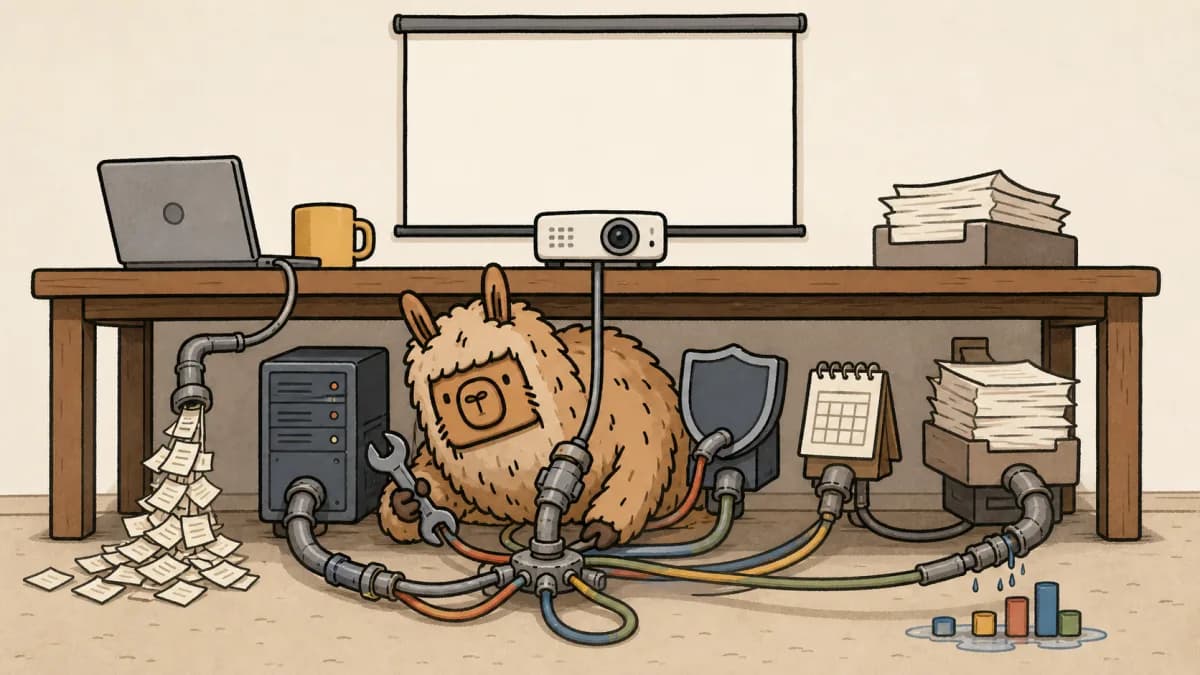
If QBR prep takes longer than the QBR, your client strategy has a plumbing problem. Not a deck problem.
That sounds harsh until you watch the prep happen.
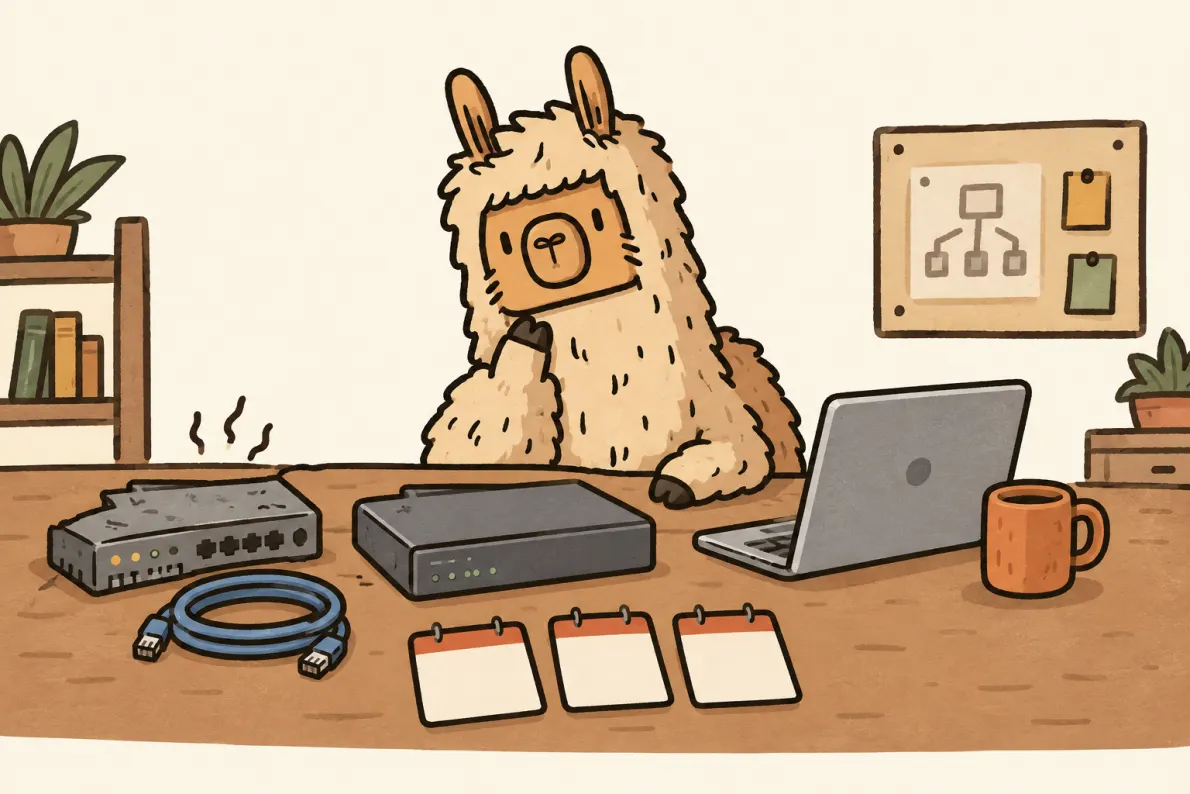
A vCIO opens the PSA for ticket trends. Then the RMM for asset changes. Then Microsoft 365 admin for licenses. Then the security tool for exceptions. Then last quarter's account notes, because somebody promised the client a firewall review and nobody is sure whether it happened.
By the time the deck is clean, the strategy work has already lost the afternoon.
The common diagnosis is wrong. The QBR is not slow because the template is bad. It is slow because every useful answer lives in a different place and somebody has to rebuild the client story by hand every quarter.
The Symptom: Prep Becomes the Work
A QBR should be a decision meeting.
It should answer what changed, what matters, what the client needs to approve, and what your team will do next. Instead, too many MSP QBRs start as a scavenger hunt.
The meeting might be 45 minutes. The prep can turn into three or four hours if the baseline is not already assembled.
That is not the cost of good strategy. That is the cost of a broken operating system.
The deck gets blamed because the deck is visible. But PowerPoint is usually the last step. The real work happened earlier, when the account owner was trying to reconcile five sources that were never designed to tell one client story.
If you want a better meeting format, use a clear MSP QBR template. But a template only helps after the data is ready. It cannot fix stale inputs.
The Real Problem Is Data Assembly
Good QBR prep asks simple questions. The answers are not simple because they are scattered.
From the PSA, you need ticket volume, SLA misses, recurring categories, noisy contacts, and anything still open from last quarter.
From the RMM, you need device changes, aging assets, patch posture, failed checks, and lifecycle issues that should become budget conversations.
From Microsoft 365, you need license changes, inactive users, security settings, mailbox or account anomalies, and renewal timing.
From security tooling, you need open findings, exceptions, unresolved alerts, and risk items that leadership can actually understand.
From account notes, you need renewal dates, previous commitments, key contact changes, budget signals, and promises your team made in the last meeting.
Each source is reasonable on its own. Together, they become manual assembly work.
That is the trap. Nobody is trying to waste time. They are trying to make the client story accurate. But when no system keeps that story current, accuracy depends on whoever has enough senior context to rebuild it.
That is also why vCIO tool comparisons need a real client scenario. Our Lifecycle Insights vs Strategy Overview comparison uses the same test: can the tool carry data into a decision, or only into a prettier review?
That person is usually expensive. They are also usually the same person you wanted using judgment in the meeting, not copying data into slides before it.
What It Costs Beyond Time
The obvious cost is time. If a client takes half a day to prep, smaller clients get quietly downgraded to quick check-ins. Not because they need less strategy, but because the economics are awkward.
That is where the damage starts.
The advice gets thinner. The meeting becomes about proving the homework was done instead of making decisions. The vCIO spends ten minutes explaining ticket charts when the client really needs to decide whether to replace aging laptops before the next budget cycle.
Prep-heavy QBRs also train the team to avoid hard conversations. If the baseline is messy, every recommendation feels less certain. Instead of saying, "These 14 devices are now the renewal priority," the conversation drifts into softer language: "We should probably look at device lifecycle soon."
That is not strategy. That is hedging.
A good client roadmap should make the next decision obvious. Manual prep often does the opposite. It creates just enough data to fill the meeting, but not enough confidence to close the loop.
What a Repeatable QBR Baseline Looks Like
The fix is not a prettier deck.
The fix is one repeatable baseline that refreshes before every QBR. Build the baseline once, keep it current, and let the meeting focus on judgment.
At minimum, that baseline should answer four questions.
1. What changed this quarter?
List the meaningful movement, not every event.
New users. Removed users. License count changes. Devices added or retired. Ticket categories that rose or fell. Projects completed. Projects that slipped.
The client does not need every raw detail. They need to know what changed enough to affect risk, budget, or trust.
2. What risk moved?
Risk should not be a surprise slide built from memory.
Unpatched systems, expired warranties, missing MFA, stale accounts, backup exceptions, endpoint gaps, recurring outages, and security findings should already be visible before the meeting opens.
The question is not, "Can we find a risk to discuss?" The question is, "Which risk matters enough to become a decision today?"
3. What budget decision is waiting?
Every QBR should have a commercial spine.
Maybe it is a hardware refresh. Maybe it is a Microsoft 365 renewal. Maybe it is an MDR rollout, a server migration, or a roadmap item the client deferred last quarter.
If the decision requires money, the meeting should not discover that halfway through. The baseline should show the decision, the reason, the rough number, and the consequence of waiting.
The same principle applies to quoting. If the scope starts from live client context, the quote is cleaner later. That is why QBR prep, gap analysis, roadmapping, and quoting should not live as separate rituals.
If the signal starts in a client portal, the same rule applies. The CloudRadial vs Invarosoft vs DeskDirector comparison is useful when the portal decision has to support QBRs, not just ticket intake.
For the product workflow that connects the QBR baseline to follow-up work, see vCIO software for MSPs.
4. What did the client already agree to review next?
This is the part teams forget because it often lives in notes.
What did the client ask you to revisit? What did they reject last time? What needed finance approval? What did they say would be easier after hiring, renewal, acquisition, or budget planning?
A QBR without that memory feels generic. A QBR with that memory feels like account leadership.
The Working System
A working MSP QBR workflow is boring in the best way.
Before the meeting, the account owner opens one view. They check sync health, review the four baseline questions, pick the one or two decisions that matter, and tighten the agenda.
During the meeting, they spend less time presenting facts and more time interpreting them. The client sees what changed, why it matters, and what decision is on the table.
After the meeting, the decision updates the roadmap, the quote, or the next action item. The next QBR starts from that record instead of from memory.
That is the whole system. Current baseline, focused decision, captured follow-through.
It is not glamorous. It is just much harder to fake than a polished deck.
Fix the Cleanup, Not the Deck
A vCIO's advantage is judgment.
It is knowing which risk matters, which project should wait, which client promise needs attention, and which budget decision should happen now. That judgment is valuable. Copying the same client facts out of four admin portals is not.
If your MSP QBR prep still depends on manual cleanup, the meeting will keep inheriting that weakness. The deck may improve, but the bottleneck will stay the same.
Scopable is built to make QBR prep a review, not a rebuild. It pulls the client baseline from live PSA, RMM, and Microsoft 365 data so environment changes, ticket trends, and roadmap context are ready before the meeting starts.
If you want QBRs that start from current client data instead of manual reconstruction, start Scopable for free.
For quick definitions around vCIO work, roadmaps, and QBR-related account planning, the MSP FAQ is a useful reference.