Your Clients Are Using AI Coding Tools. Here Is How to Govern It.

Your clients already use AI coding tools. The debate is over.
Stack Overflow's 2025 Developer Survey reports that 84% of developers are using or planning to use AI tools in development. In that same dataset, 47.1% say they use these tools daily.
Now the ugly part.
Trust is not keeping pace with usage. Stack Overflow reports 46% of respondents distrust AI output accuracy, while 33% trust it. Also, 66% call out "almost right" output as a top pain point, and 45.2% say debugging AI code takes more time.
If you are an MSP, this is not a "developer preference" topic. It is a client risk topic. It sits in security, compliance, and service delivery at the same time.
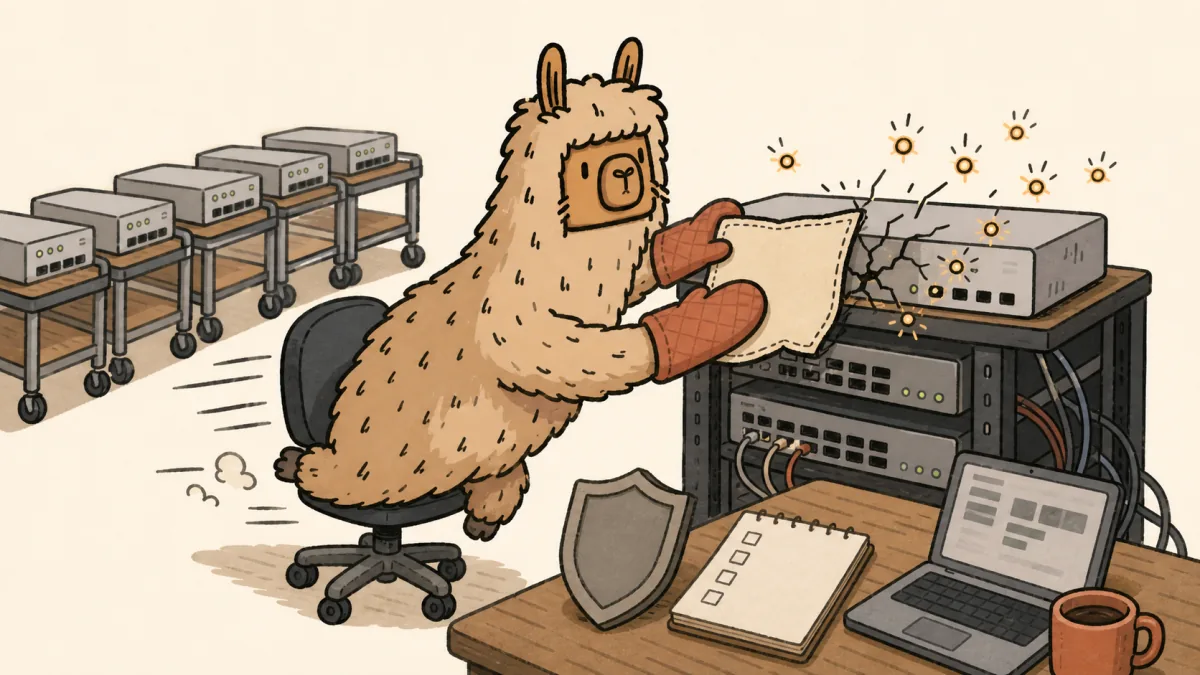
Treat AI coding assistants like a new software supply chain, not a chat app.
The MSP Problem Is Not AI. It Is Shadow AI.
Most client teams do not wait for policy. They install tools, paste code, and move on.
The r/msp thread on internal AI policy shows the same concern MSPs keep raising: approved tools, paid tiers, and client-data leakage risk. One operator put it bluntly: all AI tools should be approved and paid for, never free.
That is not paranoia. It is basic governance.
Vendor data terms can differ by product tier and can change over time. GitHub announced a Copilot interaction data usage policy update on March 25, 2026, with changes effective April 24, 2026, and stated that Copilot Business and Enterprise users are not affected by that update.
OpenAI API docs state data sent to the API is not used for model training by default and note default abuse monitoring retention up to 30 days, with additional controls such as zero data retention for qualifying use cases.
Same category of tool. Different data terms. Different control surface.
If your policy is "use AI carefully," you do not have a policy.
What Good Governance Looks Like
Use one rule across all client environments: no AI coding tool enters production work until it passes your control baseline.
Not a blanket ban. Not a free-for-all.
A baseline.
The NIST AI RMF Generative AI Profile gives a governance structure that maps GenAI risks to lifecycle controls. NIST IR 8596 then frames cyber work for AI into three focus areas: Secure, Defend, and Thwart.
- NIST AI RMF GenAI Profile: https://www.nist.gov/publications/artificial-intelligence-risk-management-framework-generative-artificial-intelligence
- NIST IR 8596: https://csrc.nist.gov/pubs/ir/8596/iprd
Use those as your spine. Then add MSP-grade operating controls.
If you need a tool-level rollout model, this MSP checklist for governing Claude Desktop is a practical companion to the policy framework below.
The MSP AI Coding Policy Stack
1) Tool Governance: Approved, Conditional, Blocked
Every client needs a current tool register with three states:
- Approved: can be used for defined code tasks with listed controls
- Conditional: allowed only for low-risk work or sandbox data
- Blocked: not allowed for client code or client data
Review criteria should include:
- Data usage and training terms by product tier
- Whether the tool gives you enforceable admin controls and clear account ownership
- Whether legal terms match regulated client requirements
- Whether the vendor gives a clear support and incident escalation path
Do not approve categories. Approve named products and named tiers.
2) Data Governance: Hard Red Lines
Set explicit "never paste" classes in each client policy:
- Credentials, API keys, and private cert material
- Client PII and regulated records
- Full production configs and network topology exports
- Internal IP such as proprietary scripts or deployment logic
3) Access Governance: Identity First
Baseline controls:
- Central account ownership and enforced MFA for approved tool accounts
- No shared logins
- Restrict repo, CI, and cloud integration scopes to only what each workflow needs
- Key storage in env vars and secret stores, never in source files
- Key rotation and revocation process
4) Output Governance: Human Gate for Production Impact
Set a non-negotiable rule: AI output never ships to production without human review.
Minimum gate for production-impacting code:
- Developer review with explicit acceptance note
- Unit or integration tests added or updated
- Run security and dependency checks before merge
- Mark AI-assisted scope in the change record
5) Threat Governance: Map to OWASP LLM Risks
OWASP Top 10 for LLM Applications 2025 gives a practical risk map including prompt injection, supply chain exposure, excessive agency, and unbounded consumption.
6) Logging and Evidence: If It Is Not Logged, It Did Not Happen
Keep records for:
- Approved tool inventory and tier decisions
- Policy version history and acknowledgement
- Access changes and key rotation events
- Incident records that capture whether AI-assisted output contributed to impact
For organizing those records alongside client frameworks, gaps, and remediation work, see Scopable's GRC framework, evidence, and remediation workflow. Keep AI-tool access and enforcement controls in the tools that own them.
Common Client Questions
Should MSPs ban AI coding tools outright?
Usually no. Blanket bans are hard to enforce and teams route around them. A better model is approved and conditional usage with explicit controls.
What data should never be pasted into AI coding tools?
Credentials, API keys, private cert material, client PII, regulated records, full production configs, and proprietary scripts or deployment logic.
How often should tool approvals be reviewed?
On a fixed cadence and whenever a vendor changes policy, default settings, data usage terms, or integration scope.
Who signs off before AI-generated code reaches production?
A human engineer. Require explicit review acceptance, test coverage updates, and security or dependency checks before merge.
Bottom Line
If you let clients adopt AI coding tools without a control baseline, you are not managing the risk. You are waiting to explain it after the fact.
Start with named approvals, hard data red lines, identity controls, human review gates, and a logging trail you can defend later. That is the difference between a policy and a shrug.
If you want a cleaner way to turn those governance findings into scoped client work, start Scopable for free.
Frequently Asked Questions
What should an MSP AI coding policy include?
At minimum: named approved tools and tiers, prohibited data classes, identity controls, key handling rules, human review gates for production-impacting code, and logging requirements for audit evidence.
Should MSPs ban AI coding tools outright?
Usually no. Blanket bans are hard to enforce and teams route around them. A better model is approved and conditional usage with explicit controls.
What data should never be pasted into AI coding tools?
Credentials, API keys, private cert material, client PII, regulated records, full production configs, and proprietary scripts or deployment logic.
How often should tool approvals be reviewed?
On a fixed cadence and whenever a vendor changes policy, default settings, data usage terms, or integration scope.
Who signs off before AI-generated code reaches production?
A human engineer. Require explicit review acceptance, test coverage updates, and security or dependency checks before merge.